
(Aadhaar Card Download | eAadhaar Password | Print e-Aadhar Card)
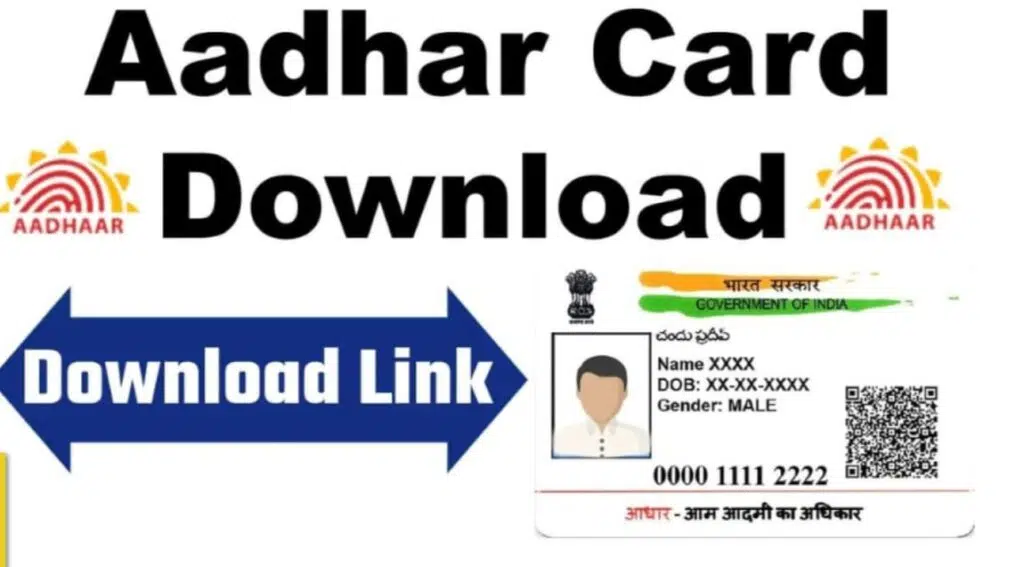
To download an Aadhaar card online, simply follow these easy steps using the official UIDAI website. The process is simple, clear, and can be done in Hindi or English.
“How to Download Aadhaar Card Online Safely and Easily”
Step-by-Step Guide
- To download your Aadhaar card easily and securely, follow these straightforward steps. Start by visiting the official Aadhaar website at (https://myaadhaar.uidai.gov.in/). Once there, look for the “Download Aadhaar” option located under the “My Aadhaar” section. This is the gateway to accessing your electronic Aadhaar, also known as e-Aadhaar, which is a valid digital copy of your physical Aadhaar card.
- On the next page, you will be prompted to select an identification type — you can choose from your Aadhaar Number, Enrolment ID (EID), or Virtual ID (VID). The Aadhaar Number is a 12-digit unique number assigned to all residents who have enrolled. If you don’t have your Aadhaar number handy, you can use your Enrolment ID (a 14-digit number from your enrollment acknowledgement slip) or the Virtual ID (a temporary 16-digit number issued to protect privacy).
- After selecting your identification method, enter the appropriate number in the respective field. Then, you must fill in the captcha or security code shown on the screen to prove you are not a robot and to prevent automated requests.
- Once the details are entered, click on the “Send OTP” button. A One-Time Password (OTP) will be sent to the mobile number registered with your Aadhaar details. Receiving this OTP on your registered phone number is vital as it secures your personal information from unauthorized access.
- Enter the received OTP in the space provided and proceed by clicking “Verify and Download.” Upon successful verification, your Aadhaar card will begin downloading as a PDF file to your device.
- It’s important to note that the e-Aadhaar PDF file is password-protected for security purposes. To open this file, use an eight-character password consisting of the first four letters of your name in CAPITAL letters followed by your year of birth in YYYY format. For example, if your name is “VISHAL KUMAR” and your birth year is 1990, your password will be VISH1990.
- The e-Aadhaar is just as valid as your physical Aadhaar card and can be used for various identification purposes, including government services, banking, and mobile connections. Additionally, this digital method allows you to access your Aadhaar anytime without the risk of losing the physical copy.
- By following these simple steps on the official UIDAI portal, you gain a quick, secure, and paperless way to keep your Aadhaar card handy wherever you go. Just ensure your mobile number is linked to your Aadhaar details to receive the OTP smoothly and complete the download process with ease.
Important Points
- The PDF password is: first four letters of your name (in CAPITAL) + your birth year (YYYY). Example: RAJU1990.
- If your mobile number is not linked, visit your nearest Aadhaar center to update it.
- You can also use DigiLocker app, mAadhaar app, or UMANG app for Aadhaar download.
Hindi (बहुत आसान तरीका से आधार कार्ड डाउनलोड करें )
- आधार की ऑफिसियल वेबसाइट पर जाएं (https://myaadhaar.uidai.gov.in/)
- “Download Aadhaar” पर क्लिक करें
- अपना 12 अंकों का आधार नंबर या नामांकन आईडी डालें.
- सिक्योरिटी कोड भरें और “Send OTP” पर क्लिक करें
- OTP मोबाइल पर आएगा–दर्ज करें और “Verify & Download” पर क्लिक करें
- आधार कार्ड आपके मोबाइल या कंप्यूटर में PDF रूप में डाउनलोड हो जाएगा
- PDF खोलने का पासवर्ड: नाम के पहले 4 अक्षर CAPITAL में + जन्म वर्ष
Alternative Ways
- Use DigiLocker (https://www.digilocker.gov.in) , mAadhaar(https://uidai.gov.in/en/), or UMANG app for Aadhaar download—follow app instructions.
- Forgotten Aadhaar or Enrolment ID? Use “Retrieve EID/Aadhaar number” option with name, mobile, or email.
This process is very easy and safe. Your downloaded Aadhaar (e-Aadhaar) is valid everywhere.
